

In my last article, I explained what's under the hood of Shift. It's a pipeline of focused tasks, built with PHP and Unix commands, and improved by every release, every support email, and every run since 2015. That's over 180,000 Laravel upgrades, back to Laravel 4.2. It gives you the same result every time. Deterministic.
Since then, the most common question I get is: "Can't I just have AI upgrade my app?"
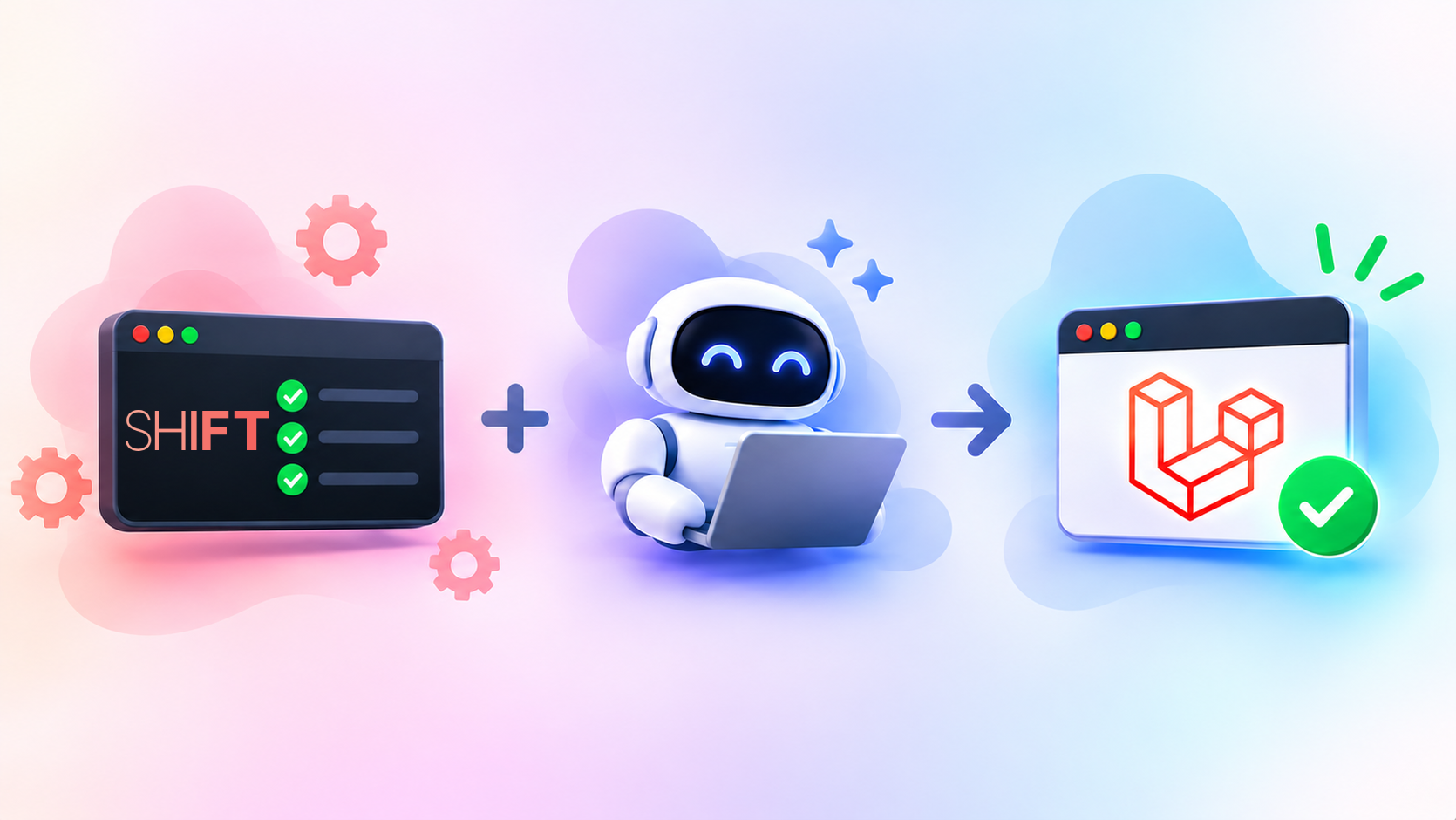
It's a fair question. AI has become very good at writing Laravel code. But after a year of pairing AI with Shift on my own projects, my answer is: not on its own. Neither tool alone gives you the best upgrade. Together, they do.
Compatible versus upgraded
Most developers think of an upgrade as getting their application running on the new version. Bump the version in composer.json, work through the Upgrade Guide, fix whatever breaks. That makes your application compatible.
But compatible isn't the same as upgraded. The Upgrade Guide focuses on new features and breaking changes, treating the rest as optional. Each Laravel release also changes core files, config defaults, conventions, and first-party package versions. Most of it isn't documented. Skip it, and your application drifts a little further from a laravel new app. The hard truth is, if you've upgraded with AI (or by hand) over the last few releases, what you really have is a Laravel 10 application that runs Laravel 13.
It may not seem like a big deal. But making only the minimum changes leaves legacy code behind. That makes future upgrades painful. These days, it may also leave vulnerabilities.
Where AI falls short
AI knows your code. It doesn't know every change in a Laravel release. Its knowledge stops at its training date. Even when it knows a release, it knows the headlines - the Upgrade Guide - not the dozens of smaller changes. So it rediscovers them. File by file, spending time and tokens on changes that are already known. And it won't make them the same way twice.
Laravel Boost helps here. It provides an /upgrade skill for Laravel 13. But it's an AI-optimized version of the Upgrade Guide. So the result is still compatible, not fully upgraded.
Where Shift falls short
Shift knows Laravel upgrades. It doesn't know your code. It only makes changes it can prove are correct through static analysis. It can't infer your intent, or the context of the codebase as a whole. So when it isn't certain, Shift doesn't guess. It leaves a comment telling you what to check.
For a long time, I viewed these comments as a failure. A manual step in an otherwise automated process. But a confident wrong change is far worse than no change at all. And these are the changes that depend on your code. That makes them perfect for AI. It can follow the comment, verify it against your codebase, and automate the last mile of the upgrade.
Pairing them
The best upgrade uses each tool for what it does best. A few principles make this work.
Let the deterministic tool go first. It narrows the upgrade to only the changes that need judgment. AI then works on a few well-defined problems instead of the entire release.
Give AI focused tasks. Don't ask AI to "upgrade to Laravel 13." Ask it to resolve one change, with the old behavior, the new behavior, and where to look. For example:
I'm upgrading from Laravel 12 to Laravel 13. The default values for `CACHE_PREFIX`, `REDIS_PREFIX`, and `SESSION_COOKIE` have changed. In Laravel 12 and earlier, these were derived from `APP_NAME` using `Str::slug(env('APP_NAME', 'laravel'), '_')` as a base (e.g. `myapp_cache_`, `myapp_database_`, `myapp_session`). Please check my config files and `.env` to determine if these are explicitly set or relying on the old defaults. If relying on defaults, suggest the explicit values I should add to my `.env` to preserve the previous behavior.
A prompt like this produces a small change you can actually review. It's also what Shift now includes in its comments, so each one can be handed straight to AI.
Upgrade one version at a time. Even when you're several versions behind. Each version is a smaller set of changes you can verify before moving on.
Keep changes atomic. One change per commit, whether made by a tool or AI. That makes it easy to review, revert, or bisect a single change without unwinding the whole upgrade.
Let your tests be the judge. Neither tool knows your app works. Your tests do. Run them after each pass. No tests? That's the first gap to close before trusting any automated upgrade.
What this looks like in practice
This is now how I upgrade every Laravel application. AI runs the Shift using the Shift AI skills, then works through the pull request - resolving each comment against my codebase and running the tests along the way. I recorded myself upgrading to Laravel 13 and Livewire 4 in 15 minutes this way. I never opened my IDE.
Fully upgraded
There will always be things that need human review. AI can check whether a changed config default affects you and how to preserve the old behavior. It can't tell you whether your business wants the old behavior. Those decisions are still yours.
But the work left for you is much, much smaller. Instead of hunting through changelogs and making dozens of small edits, you're reviewing a handful of focused changes.
Deterministic tools provide the certainty. AI provides the context. You make the final calls. For your next upgrade:
- Aim for fully upgraded, not just compatible.
- Run deterministic changes first.
- Give AI one focused change at a time.
- Upgrade one version at a time.
- Keep each change in its own commit.
- Run your tests after each pass.
- Review what needs a human.
Whether you use Shift or not, that's the approach I'd recommend. Let each tool do what it does best, and keep your application fully upgraded.
